
OBS Studio
OBS Studio is free, open-source software for screen recording and live streaming, used by streamers, teachers and video creators.
Windows
Open source

1.21.9 · Logitech International S.A · Page updated
Streamlabs OBS, now called Streamlabs Desktop, is a free open-source Windows app for live streaming and recording with built-in alerts and overlays.
Average 0.0 · ratings: 0
Thank you! Your rating is saved; you can change it. Could not save the rating. Please try again later. Too many ratings from your network today. Please try again tomorrow. The average appears after 5 ratings.
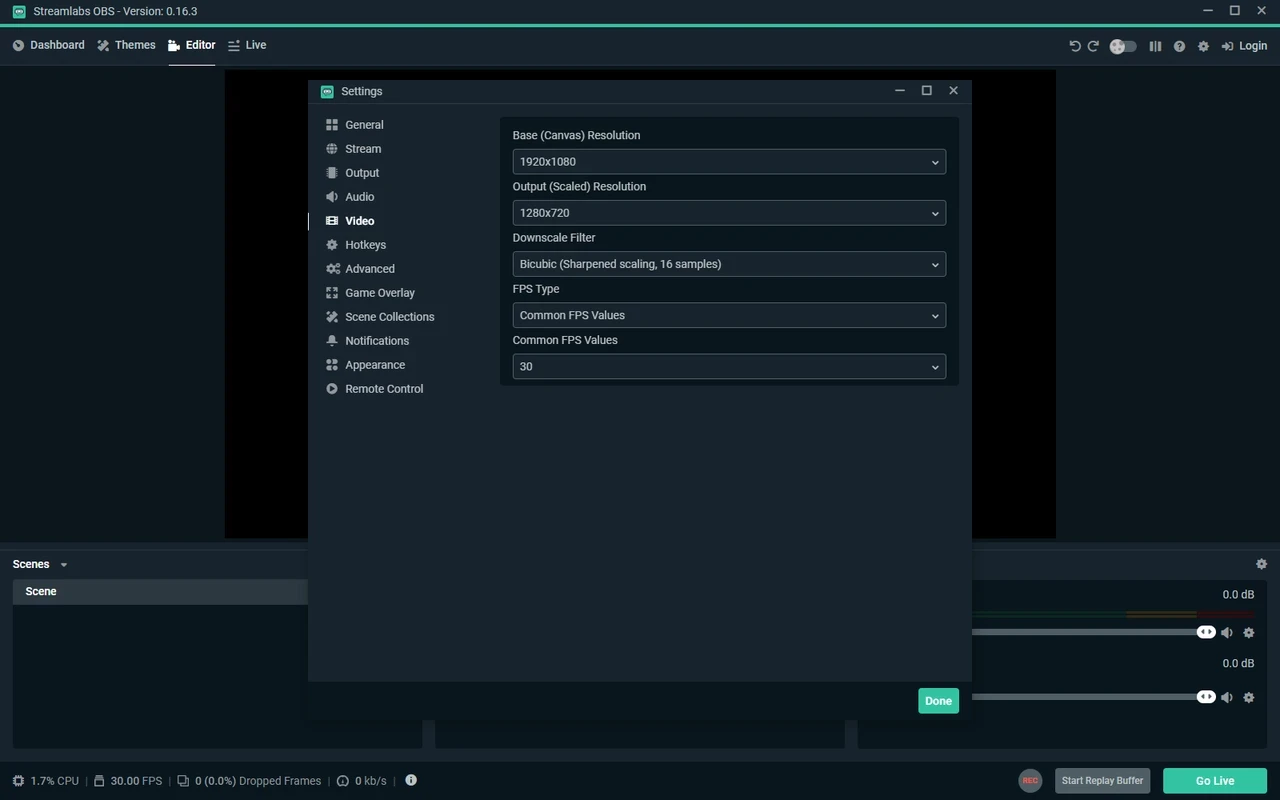
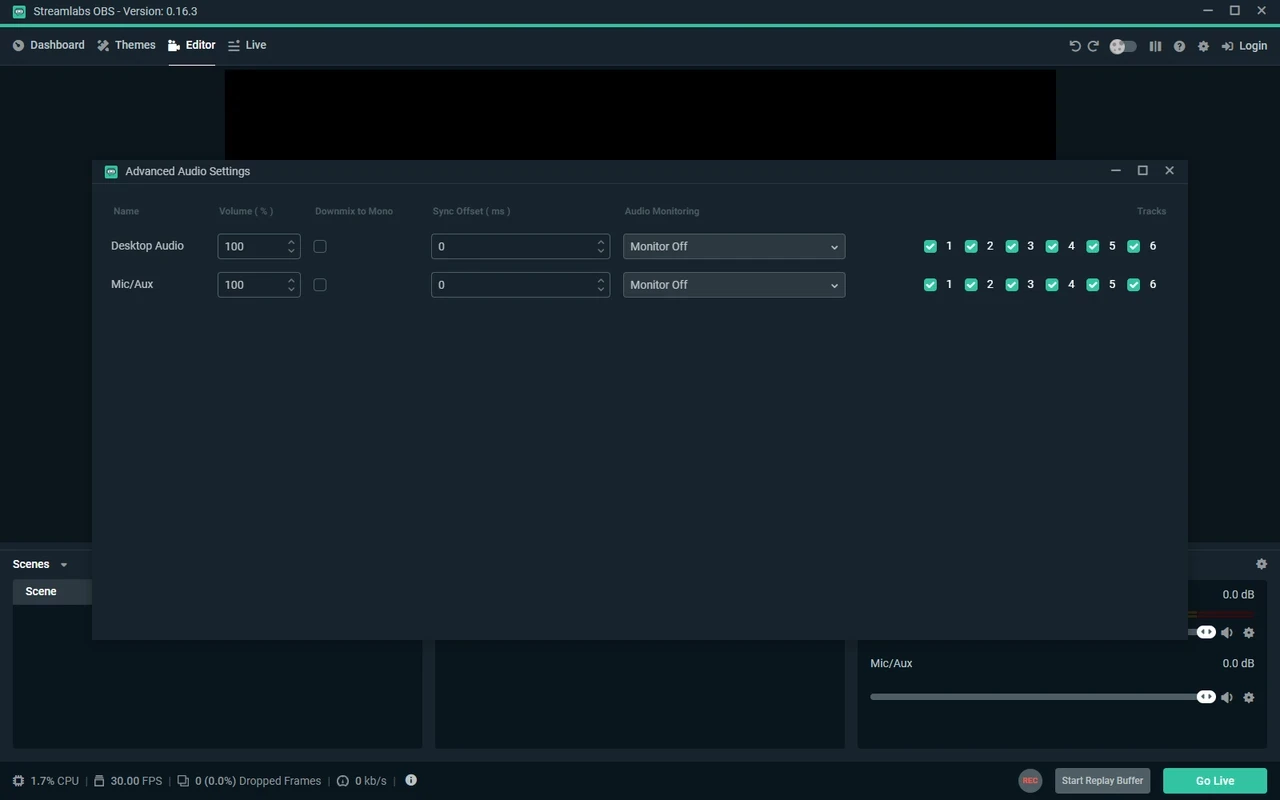
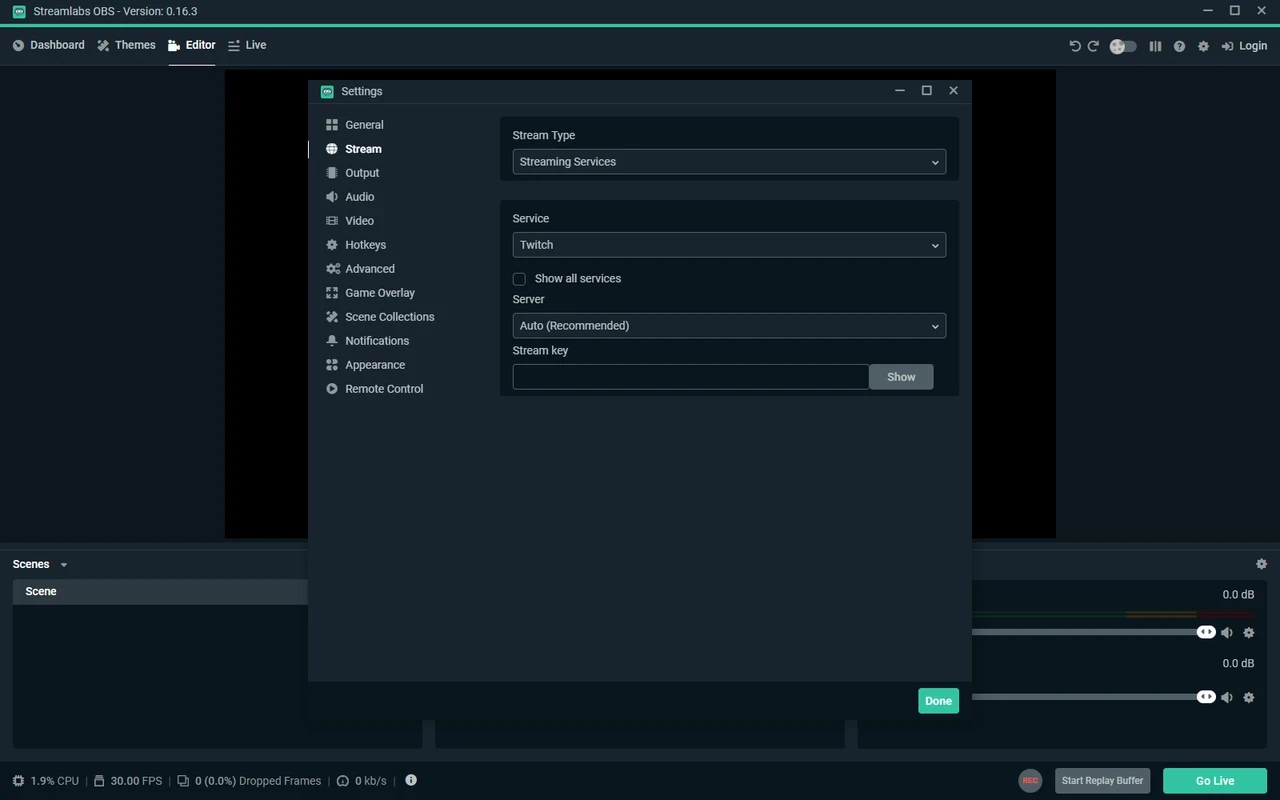
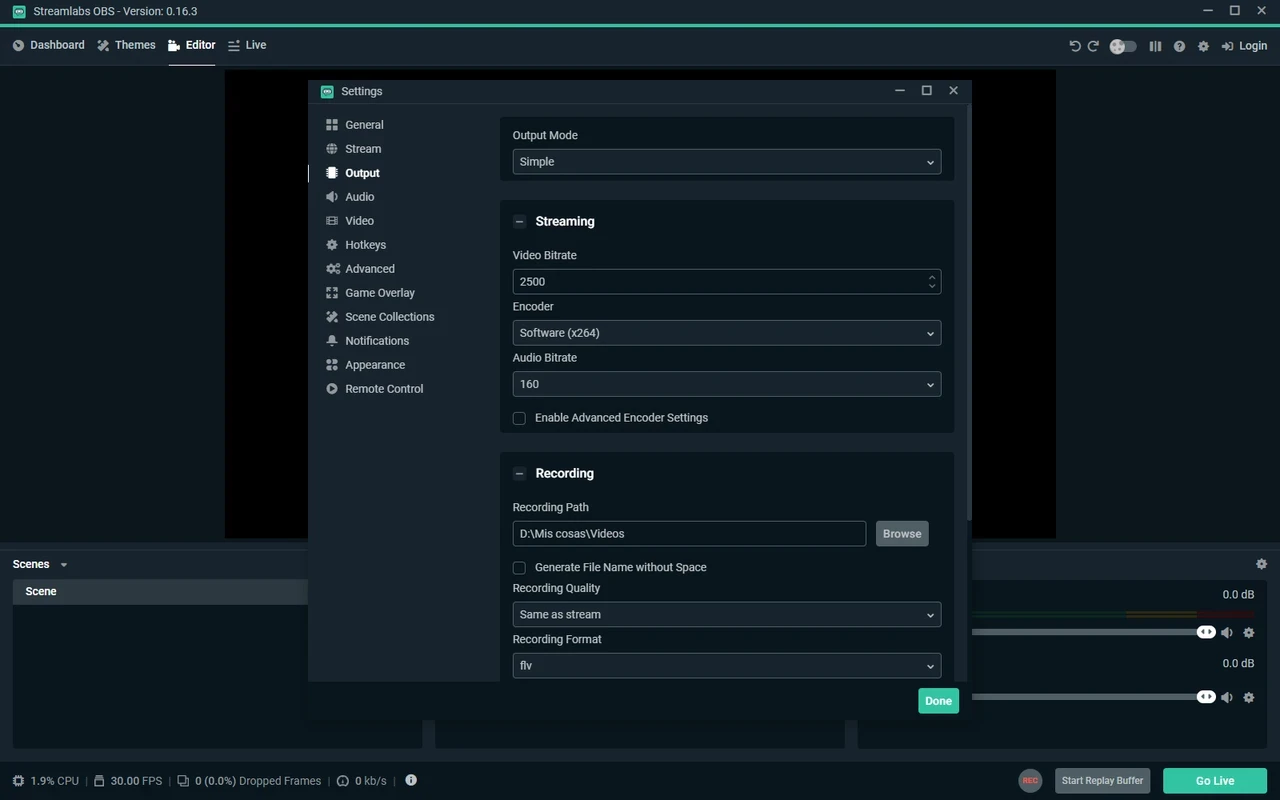
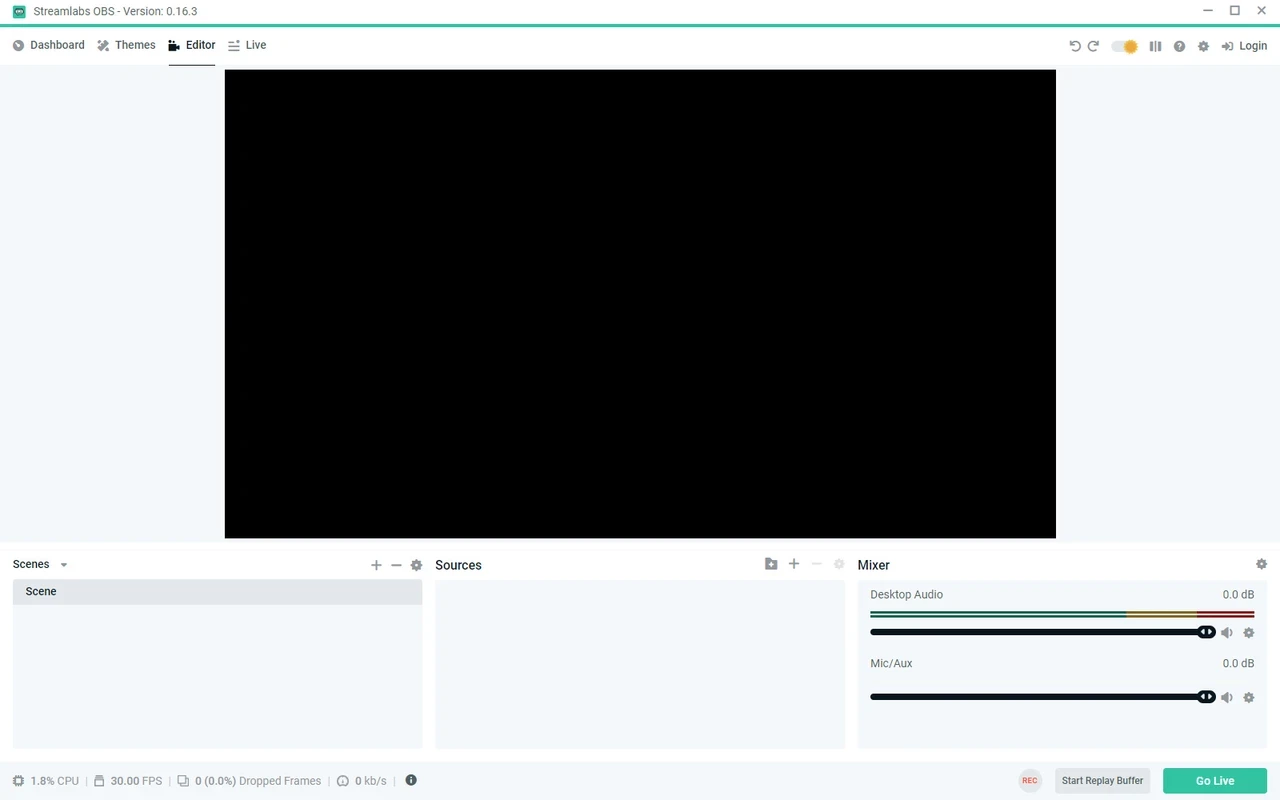
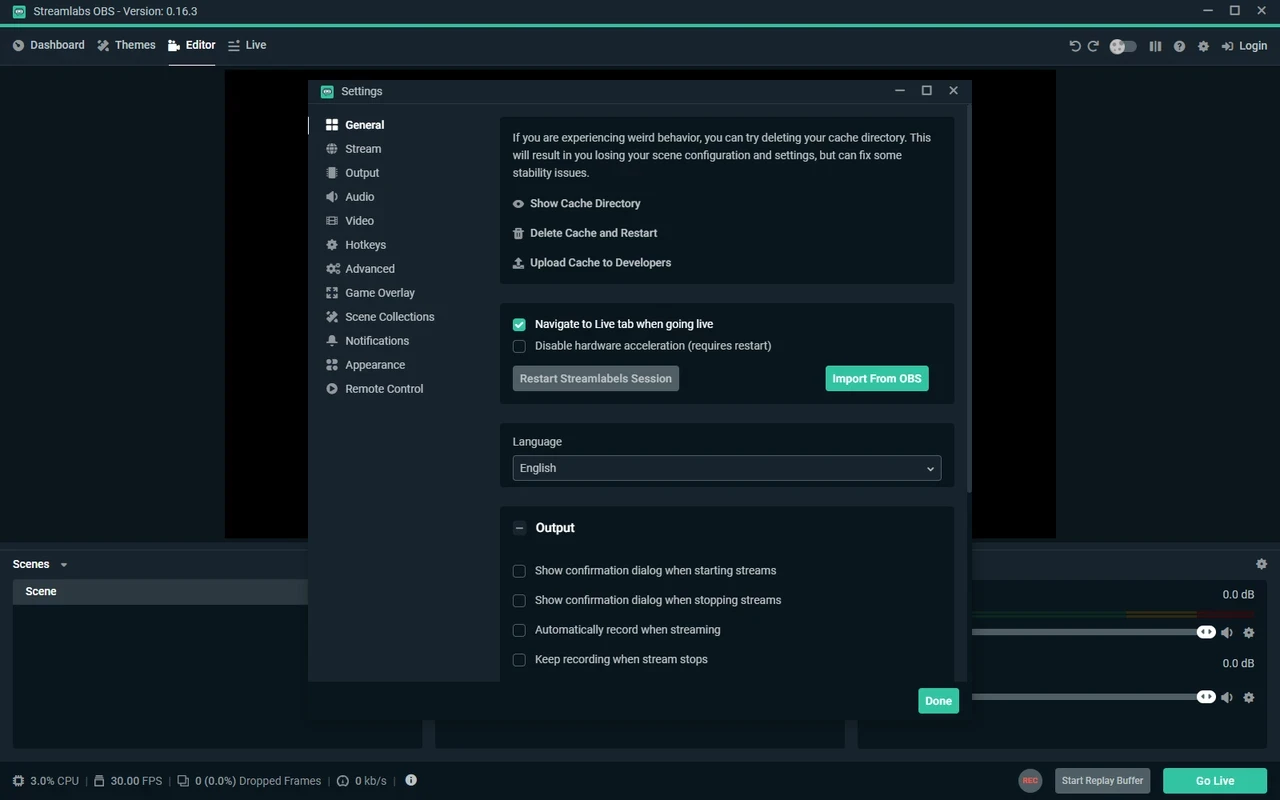
Streamlabs OBS 1.21.9 is a free live streaming and recording app for Windows, now published under the name Streamlabs Desktop by Streamlabs, a company owned by Logitech. Download Streamlabs OBS if you stream to Twitch, YouTube or other platforms and want scenes, alerts, overlays and chat in a single program.
| Parameter | Value |
|---|---|
| Version | 1.21.9 |
| Developer | Streamlabs (Logitech International S.A.) |
| Platform | Windows (also available for macOS) |
| Licence | open source, free to use |
| Company founded | 2014 |
| Installer size | about 273.36 MB according to catalogue data |
| Official site | streamlabs.com |
Streamlabs built its app on top of the open-source OBS Studio engine and wrapped it in an interface aimed at streamers rather than video engineers. The capture, encoding and scene system work in a similar way, so a webcam, a game window, a microphone and a browser source can be combined into scenes and switched live. What Streamlabs adds is everything around the broadcast: a library of overlay themes, follower and donation alerts, a chat window, stream widgets and a dashboard that sets the stream title and category without opening the platform's website. For a beginner, that means a working stream with alerts in an evening instead of stitching together plugins and browser sources by hand. The trade-off is weight: the app uses more memory than OBS Studio, and some themes, apps and cloud features are part of the paid Ultra subscription.
Streamlabs publishes its system requirements:
Changes in each release are listed in the patch notes.
Install the app only from streamlabs.com. The core program is free; the Ultra subscription adds premium themes, multistreaming to several platforms and cloud storage. You can stream without paying anything.
OBS Studio is the lighter original with a large plugin ecosystem. For turning a phone into a webcam, DroidCam and iVCam are options, and for editing recorded streams afterwards you can use Shotcut or DaVinci Resolve.
OBS Studio is free, open-source software for screen recording and live streaming, used by streamers, teachers and video creators.

CapCut for Windows is ByteDance's desktop video editor, with a timeline, templates and export presets for short and long videos.

CapCut Web is ByteDance's online video editor that runs in the browser, with templates, text, effects and export for social media videos.

VLC media player is a free, open-source video and audio player for Windows from the VideoLAN team. The current release is 3.0.24.

Green Free Video Converter is a small free Windows program for converting video files between common formats for phones, players and editors.
Format Factory is a free Windows multimedia converter from Free Time for changing video, audio and image files between formats.
Free Cam is a free screen recorder for Windows from iSpring Solutions for recording screencasts with voice-over and trimming them before export.

TikTok for Windows is the desktop app of the short-video platform from TikTok Pte. Ltd., available free from the Microsoft Store.

Iriun Webcam is a small free Windows program that turns an Android phone or iPhone into a wireless webcam for video calls and streaming.